 FillZaDoc
For iPhone · Arabic and English
Scan your IDs once. Fill every form in seconds.
Three things, one private app: keep your cards, fill paper and PDF forms, and fill web forms in Safari. Locked with Face ID. No servers, no account.
Coming soon to the App StoreFree for up to 5 documents and 3 filled forms.
1
Keep your cards, with reminders
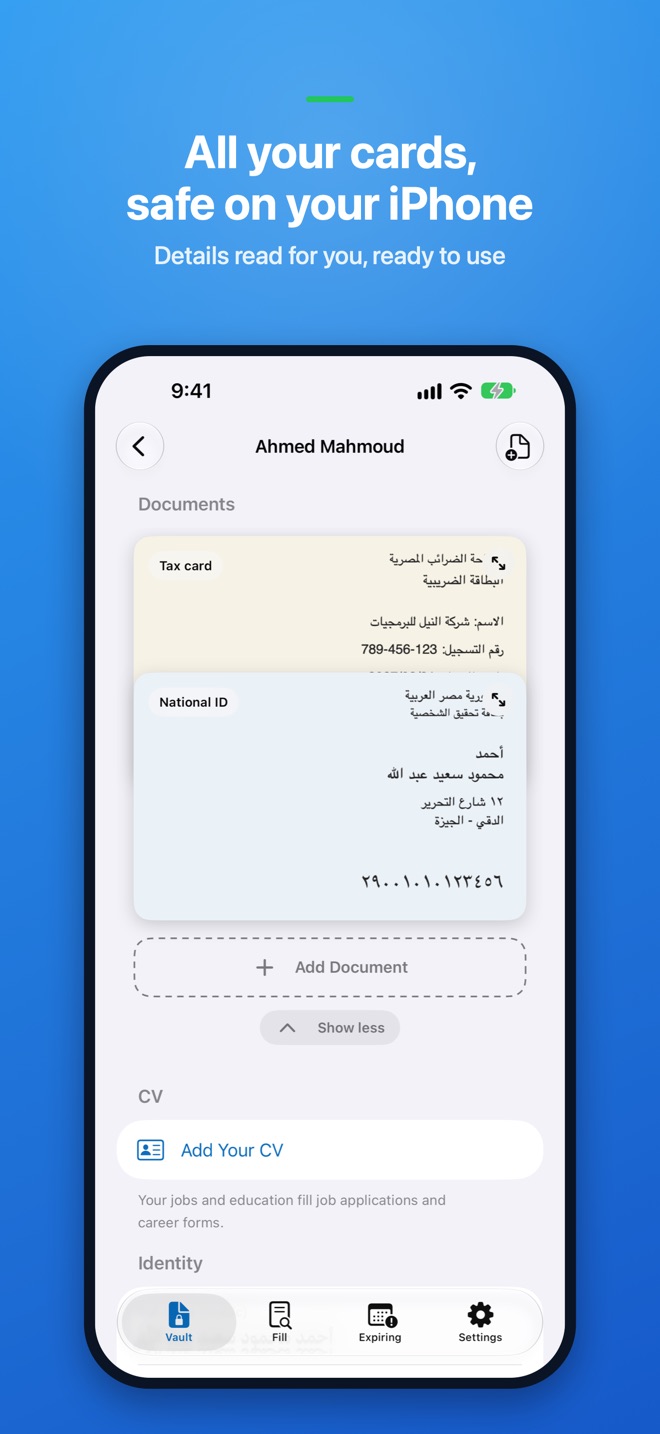
- Scan your national ID, passport, driving licence, commercial register, tax card or any document with the camera, or import photos and PDFs.
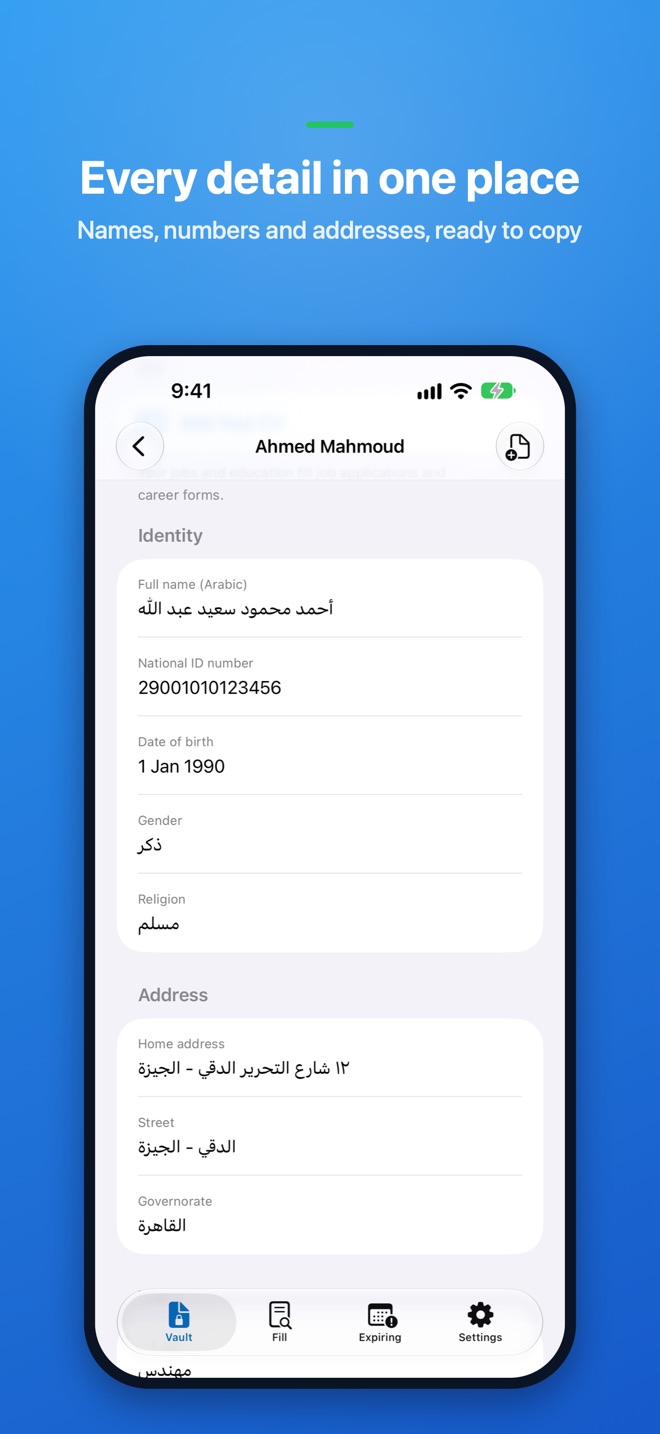
- FillZaDoc reads your details on your device — names, ID numbers, addresses, dates and company numbers — in Arabic and English, and lists them for you. You review everything before it is saved.
- Your cards appear in a wallet you flip through. A company's papers live in their own folder.
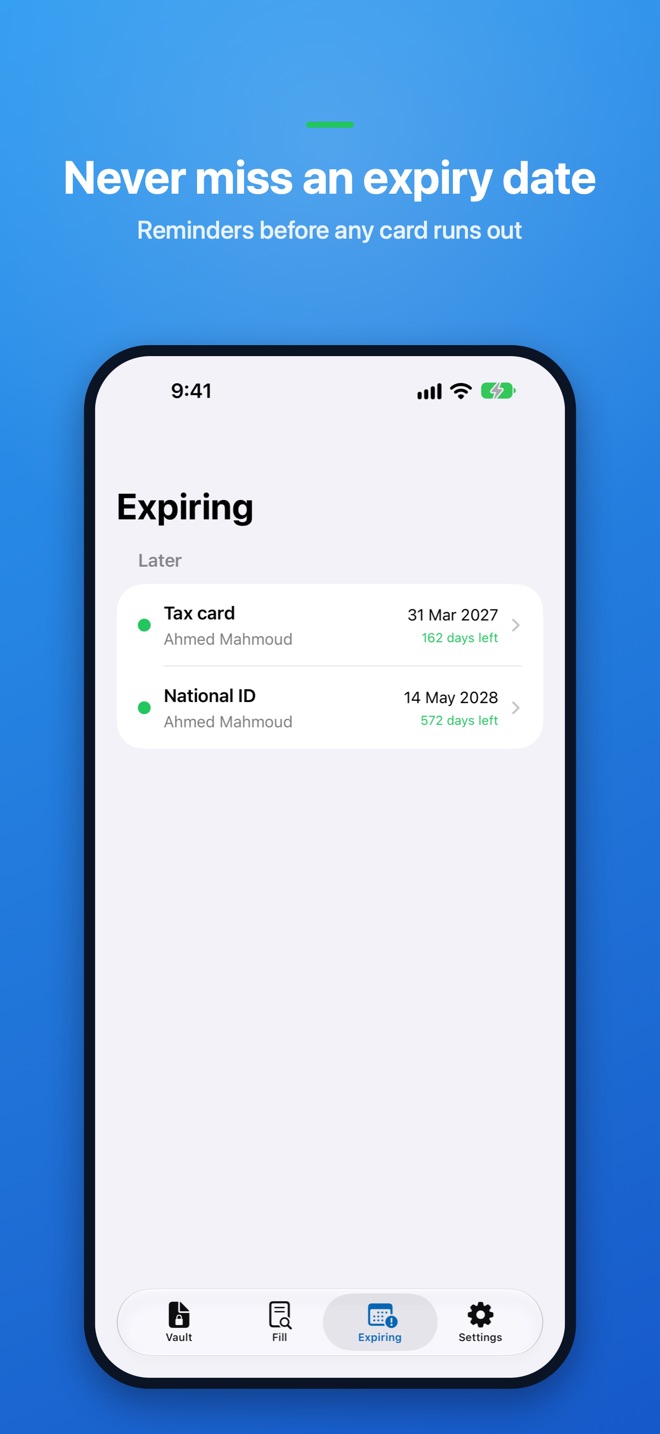
- Reminders 90, 30 and 7 days before a card expires, and on the day. The Expiring list shows what needs renewing first.
2
Fill forms: paper or PDF, personal or company
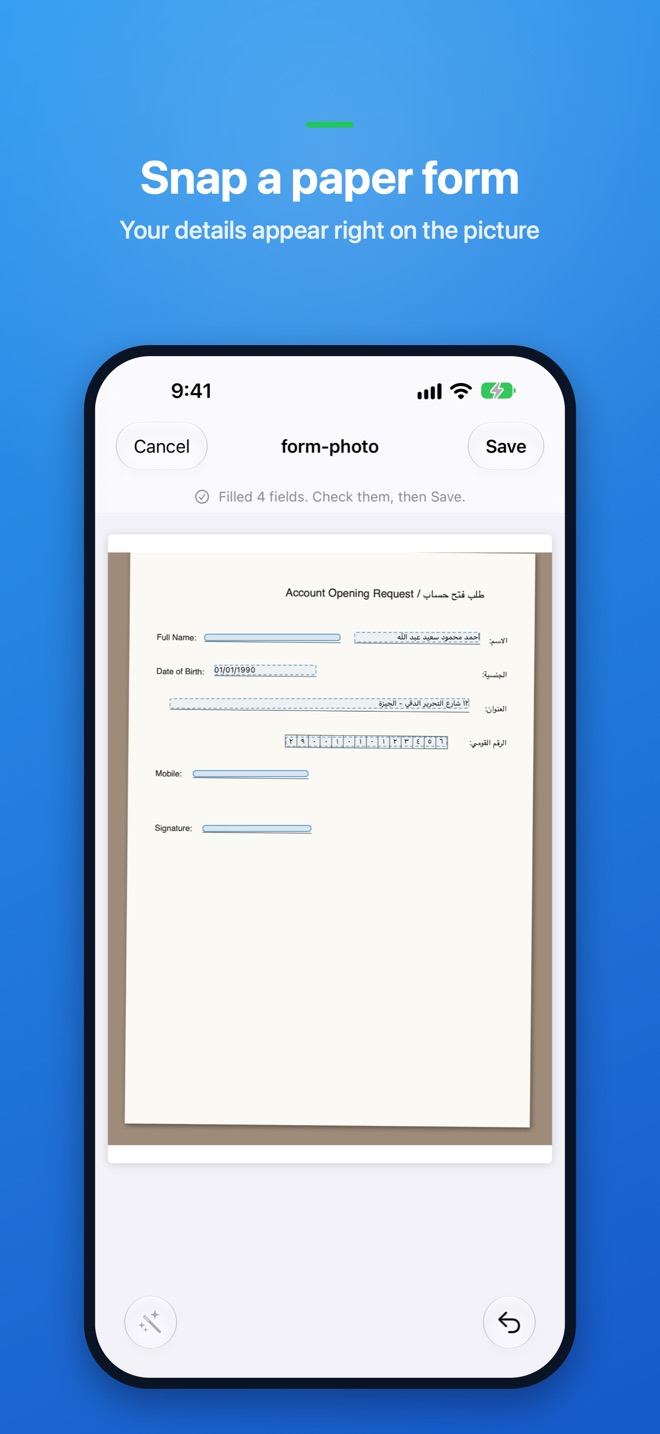
- A paper form in front of you? Take a picture. FillZaDoc finds the blanks and writes your details right onto the picture, so you copy them back onto the paper without hunting through your cards and papers.
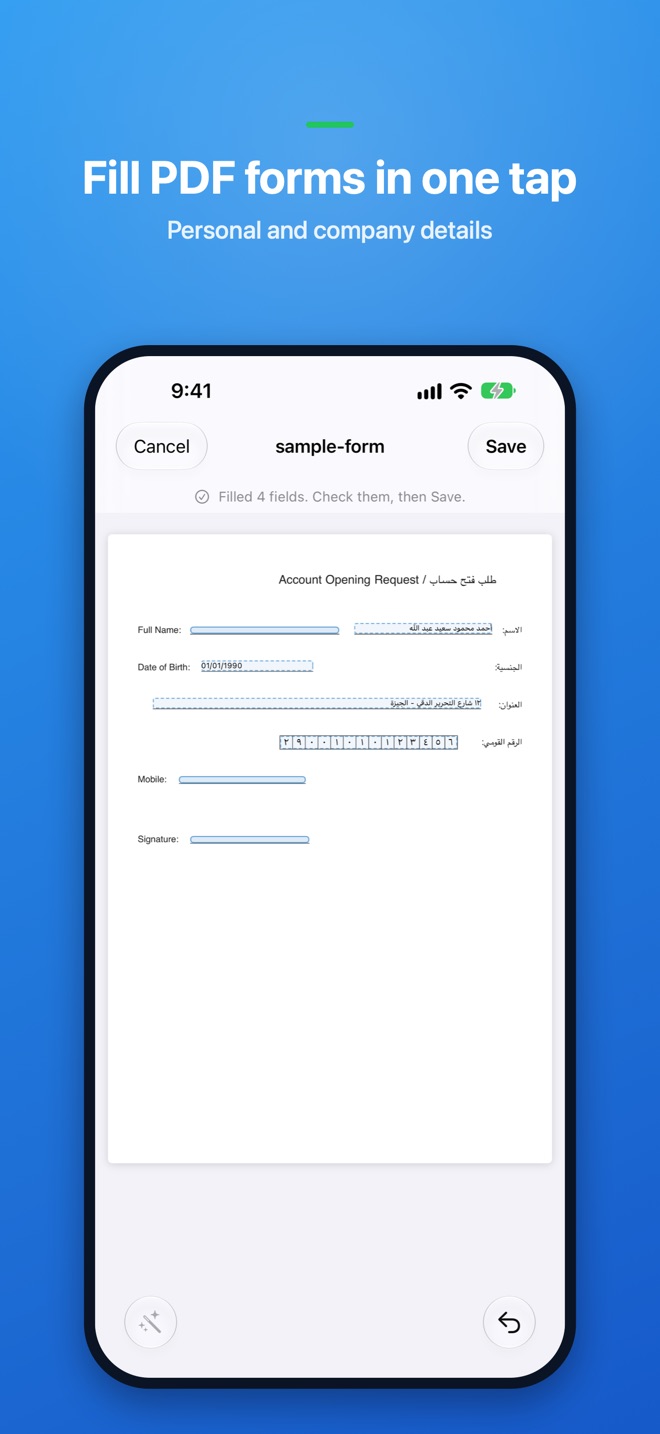
- A PDF form? FillZaDoc fills it directly. Check, then save or share it.
- Use your personal profile or your company's: commercial register, tax card and company details fill in the same way.
- Add your CV — import LinkedIn's PDF or any CV — and job applications fill with your jobs and education.
3
Fill web forms in Safari
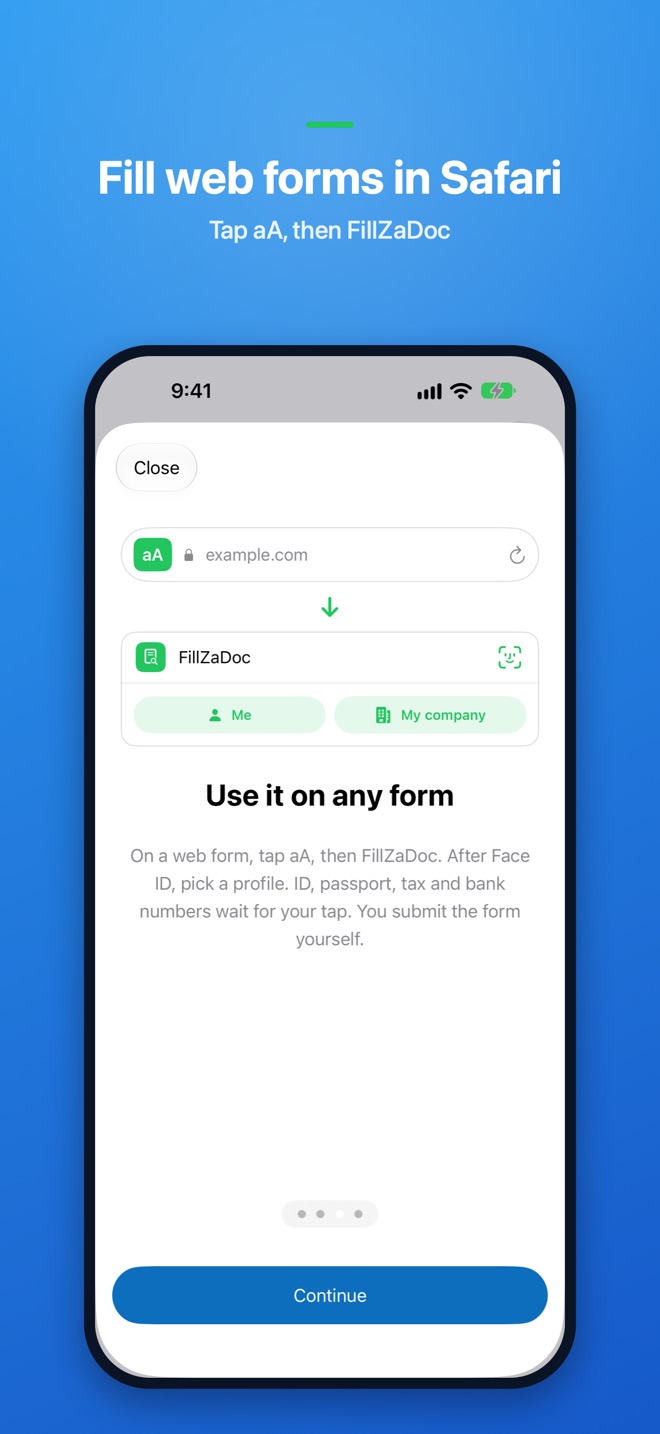
- Turn on FillZaDoc in Safari. On any web form, tap aA, then FillZaDoc. After Face ID, pick a profile and your details fill in.
- ID, passport, tax and bank numbers wait for your tap. You always submit the form yourself.
Private by design
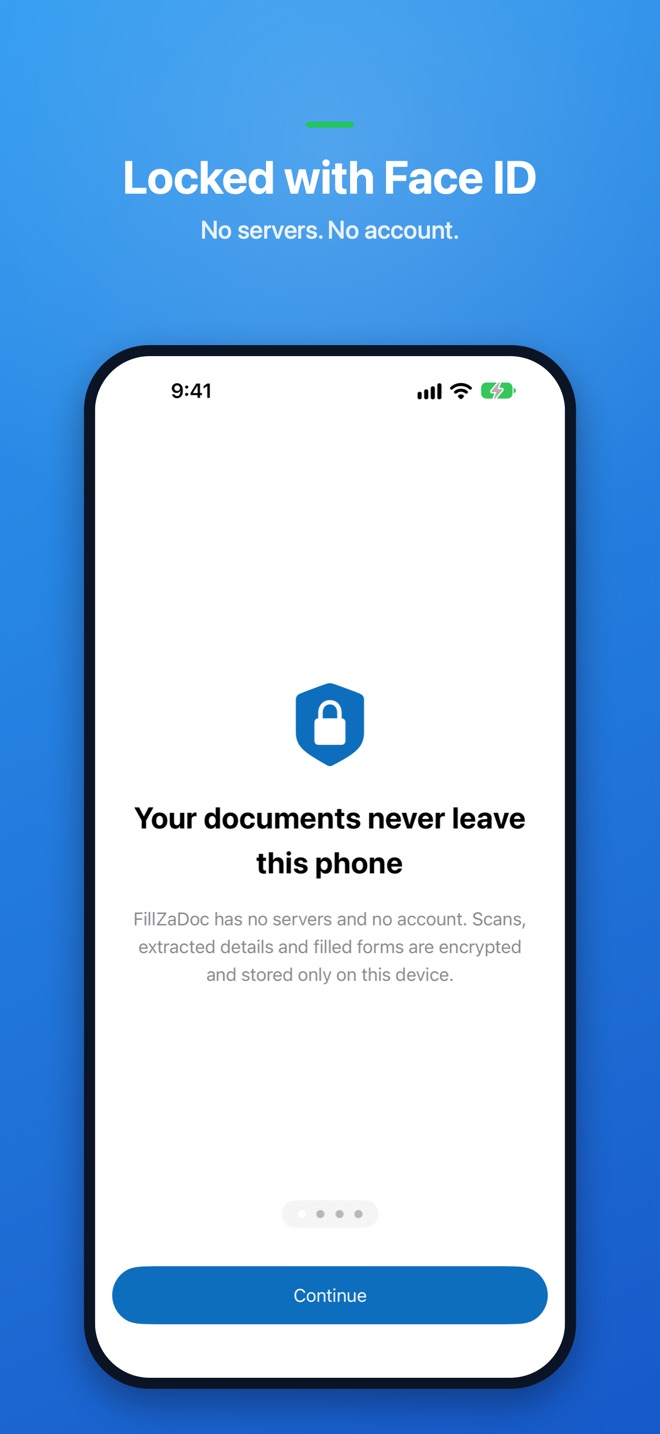
Your documents never leave your iPhone
- No servers, no account, no analytics.
- Everything is encrypted with a key that stays on this device, behind Face ID, Touch ID or your passcode.
- The Safari extension reads nothing until you tap it and sends nothing anywhere.
- Share only selected pages, with a watermark like "For bank account opening only".
- Back up to an encrypted file that you keep yourself.
Free for up to 5 documents and 3 filled forms. One payment unlocks everything, forever.
Built for Egypt and the Arab world, fully bilingual in Arabic and English.
Coming soon to the App Store